SoloMD is a simpler markdown open-source app that opens your whole Obsidian vault
“Obsidian is probably one of the best note-taking apps out there, but it's not open-source, which is fine, there are perfectly good reasons for that. But a part of the Obsidian user base has always wanted a properly open-source alternative, one that isn't half-finished or abandoned. So when SoloMD popped up as MIT-licensed and Markdown-native with a built-in AI panel, it seemed worth a look. What it turned out to be was a Markdown editor that opens an Obsidian vault as-is without an import setup, and then it also handles a bunch of functions you'd only assume Obsidian can.”
Of course, markdown being markdown, this works with any markdown files. It does not have any formatting menu bar though, so if you want to say bold some text, you do have to type the asterisks in. With its Live edit WYSIWYG mode, you do see the rendering as it should appear. That is at least something great about Obsidian too. 13 code-block languages, KaTeX math, Mermaid diagrams, footnotes, YAML front-matter, ==highlight== (including use of colour codes), and <u>underlined text</u>. But SoloMD plays nicely with everything, and apart from the markdown files and editing working just fine, it has built-in AI functionality.
Beware though, if you point the AI to an external cloud AI provider, your note content will go out to that cloud provider, complete with any sensitive data.
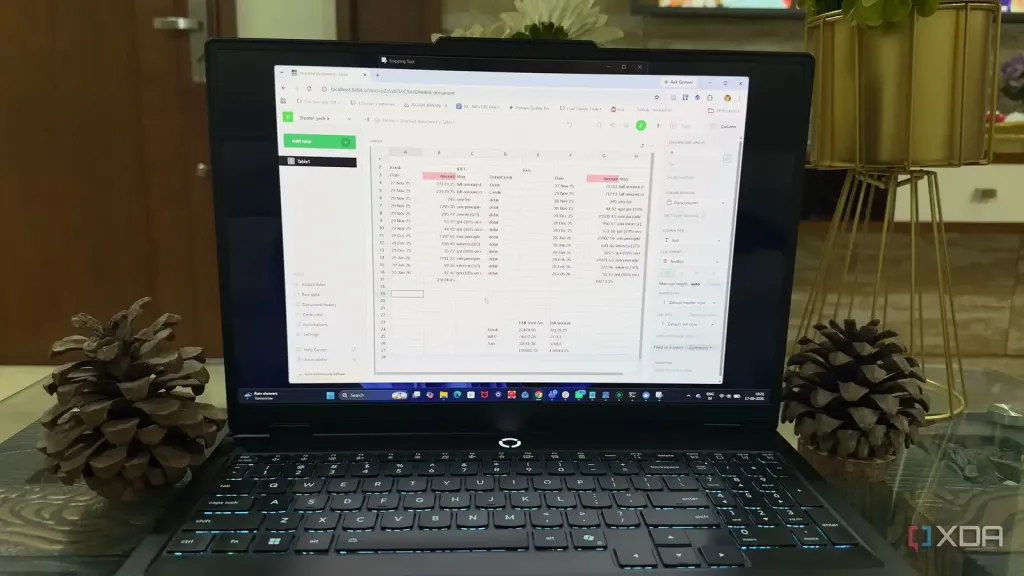
Although SoloMD does not have a nice WYSIWYG table editor, I did fine I could paste the table in the AI window, and asked my AI to insert an extra column in column 2. I pointed the AI to my Llama server AI and that worked just fine, as did querying it about my note, etc. But it did not just stop at pointing outwards to Llama server, as SoloMD can also expose its own built in MCP service (Exposes the open workspace as a Model Context Protocol server so Claude Desktop / Codex / Cursor can list, read, search, write your notes). Note again that you want to think about what you are exposing, but it can be handy for say Claude Code to consult your own notes about coding work, when thinking.
It even has a built-in BYOK cost meter, that calculates the cost of tokens used for OpenAI or Groq (the latter of course allowing a generous free tier per day).
What caught my eye actually about SoloMD, was this really rich enablement of AI into the application. You decide though what you want on or off (and everything can be off).
It does its between-device sync using GitHub. They recommend using a private repo on GitHub, and it uses public private key exchange for authentication. From inside SoloMD you can opt to get a public link for any note, and share that to others for viewing. When setting up this vault sync to GitHub you can optionally enable Argon2id + XChaCha20-Poly1305 for end-to-end encryption too. SoloMD just runs git push and git pull so it can be pointed elsewhere too.
It is open-source MIT-licensed, zero telemetry by default, no accounts, no cloud lock-in. Its installer is only 15 MB in size, and it uses around 80–150 MB RAM. It saves plain .md files (not using any proprietary formats) so is fully compatible with other Markdown editors. There are apps for macOS, Windows, Linux, iOS, and Android.
It exports to HTML, Word, PDF, Image (PNG), EPUB, ODT, LaTeX, RTF, Pandoc Template.
It does not have the massive community plug-ins collection that Obsidian has, but it is a really solid and very functional Markdown editor. One thing I'd like to have seen, was custom shortcut keys.
See
SoloMD — Free & open-source Markdown editor · a Typora alternative for Mac, Windows, Linux, iOS, Android
Everything you'd pay a Markdown editor for — free. SoloMD is an open-source Typora alternative: live WYSIWYG preview, tabs, themes, PDF / Word export, plus AI rewrite, folder sync, local RAG search, and native iOS & Android apps. ~15 MB, MIT-licensed. No account, no subscription, no ads, zero telemetry by default.
#technology #opensource #markdown #AI