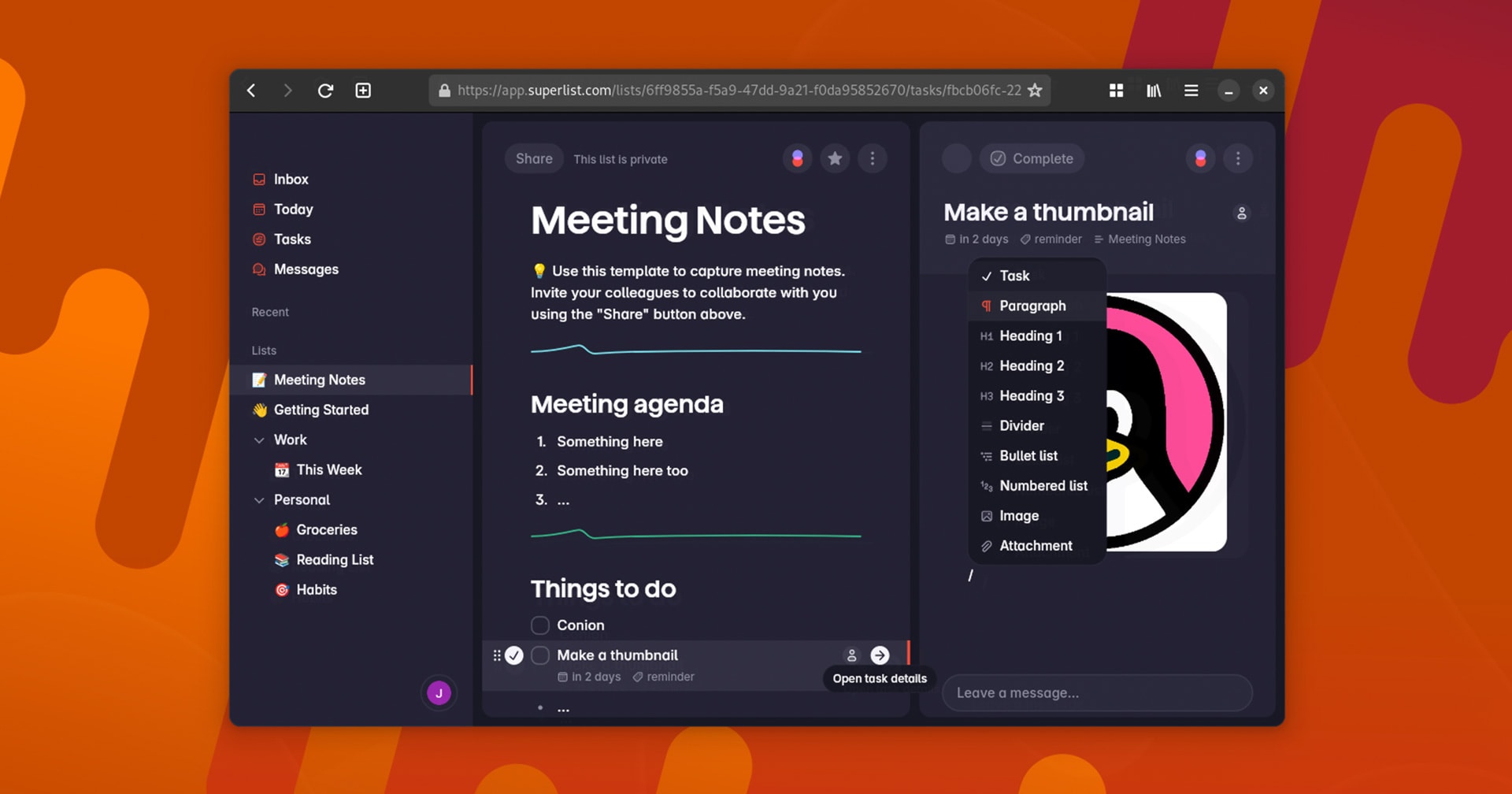
I replaced Trello, Toggl, and TickTick with free, open-source Super Productivity
Well I have not done so myself, as I still see a shortcoming around not being able to set custom repeats based on a first Wednesday of every month, or the last weekday of the month. It does though have repeats based on fixed schedules as well as completion date, which is important if you want to repeat something after you finished a task e.g. cleaning my weather station 3 months after I did it last.
But apart from that it has a very nice modern look to it, and is pretty powerful in many other aspects. It has a few powerful productivity views such as Eisenhower Matrix and Kanban, procrastination buster, AI productivity prompts, etc (some are plugins). It also has a great review at the end of the day, with a lot of stats and scoring.
I like the tag and project views so you can see different groupings of your tasks. It has quite a focus on timers, taking breaks, etc too.
Migrating from a different todo planner is not so easy so as there is no importer from say TickTick at all. It seems there is no global standard for importing/exporting todos across apps. Someone has created a bridging app that may help with this, but for me to fully migrate my 149 unique tasks to this, could be pretty painful as mine have lots of custom repeats, sub-tasks, etc in.
It is free with no paid cloud sync service. It will sync via Dropbox, Google Drive, WebDAV, or local file sync (like Synthing). But it is syncing a file, so if two clients edit offline, only the last one will win on re-connection. This is a bit like I had wit Obsidian Notes when using Syncthing. So even if you self-host it in Docker, that is just a web client that must still sync to Dropbox or wherever (unlike say Joplin Notes which is a proper centralised sync server).
See
I replaced Trello, Toggl, and TickTick with this one free, open-source app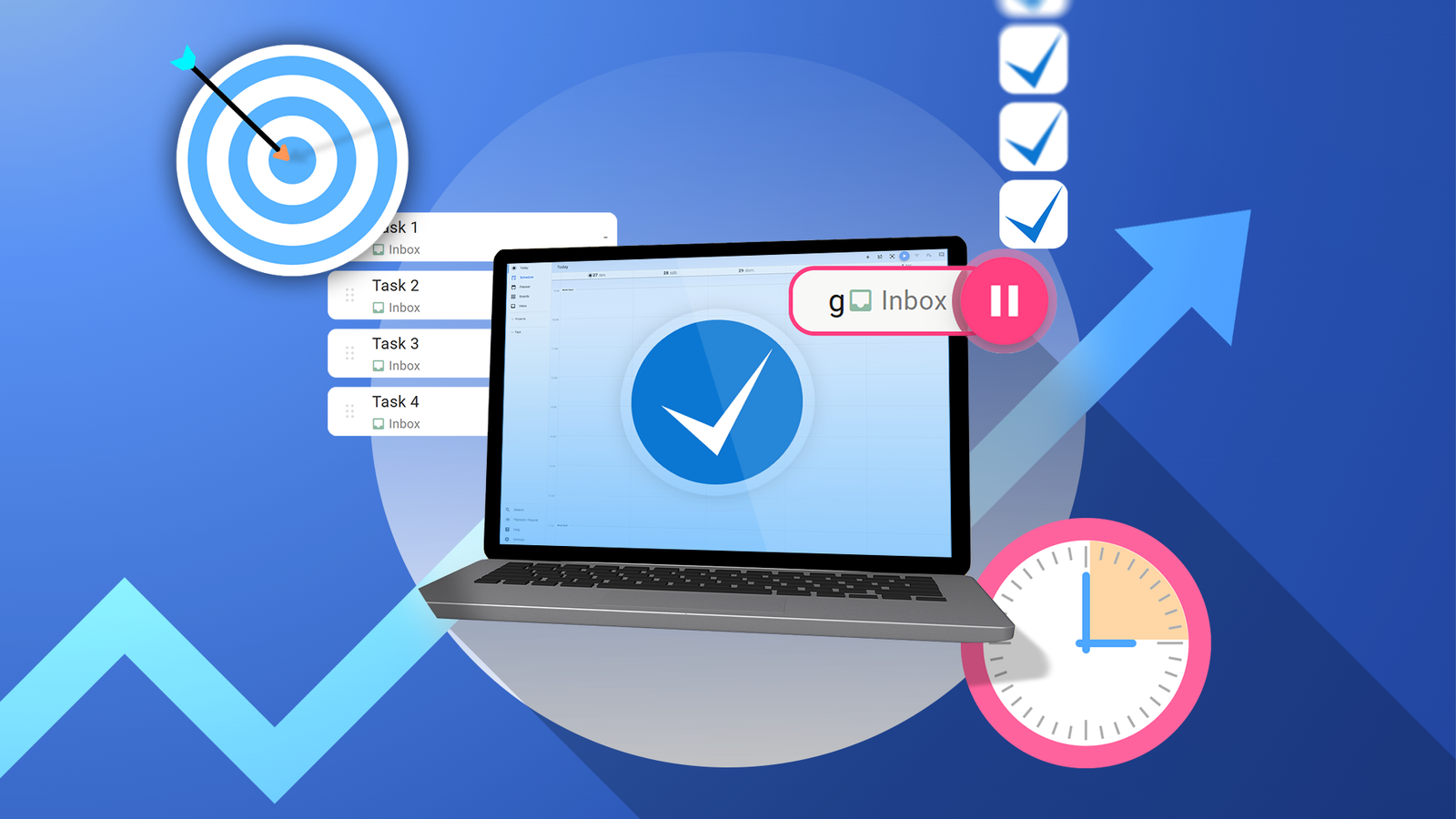
You get the power of three, and that too for free.
#
technology #
productivity #
todo