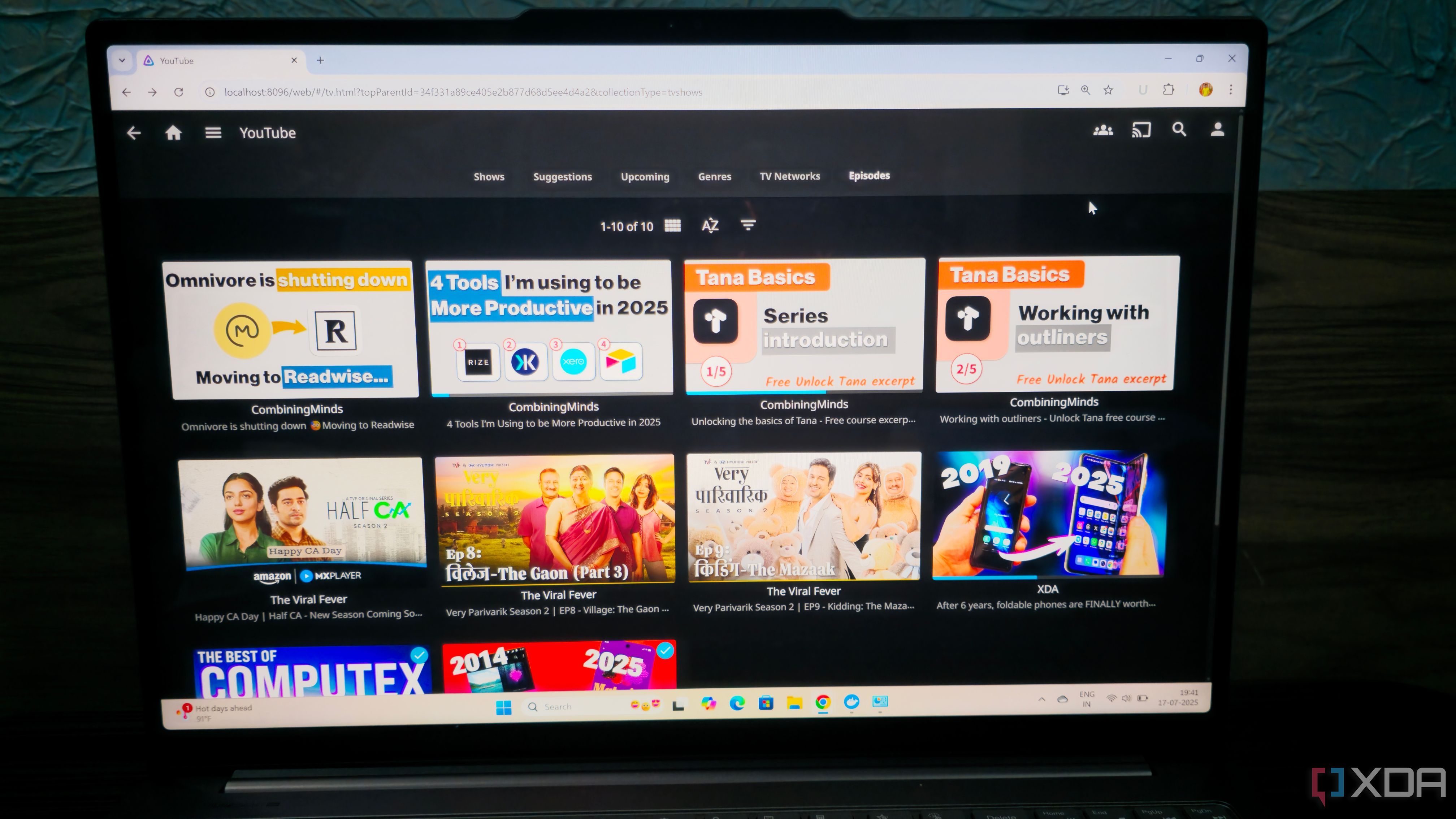
Self-hosted Pinchflat will download YouTube videos or playlists into Jellyfin
“Pinchflat can technically download individual videos, but its strength lies in archiving entire channels and playlists at a time. For starters, Pinchflat lets me add channel and playlist URLs as sources, and I can modify the indexing frequency, download cutoff days, and retention settings. On conventional YouTube downloaders, I’d have to pull new videos manually every so often, while Pinchflat can archive fresh uploads after detecting them with its indexing algorithms.”
Personally I have been using TubeArchivist for this, but there are some key differences between the two:
* Pinchflat acts like a “Sonarr for YouTube.” Once you set up a source (channel or playlist), it downloads the videos, names them according to your template, and saves the NFO and poster images. It uses low resources.
* You install the TubeArchivist Jellyfin Plugin. This plugin talks to the TubeArchivist API to pull in metadata, thumbnails, and watches progress. TubeArchivist has its own dedicated web UI to browse your YouTube collection and is a bit heavier on resources (Requires Redis, Elasticsearch, and the App container).
See
https://www.xda-developers.com/this-app-turned-my-jellyfin-server-into-a-youtube-archive or
https://github.com/kieraneglin/pinchflat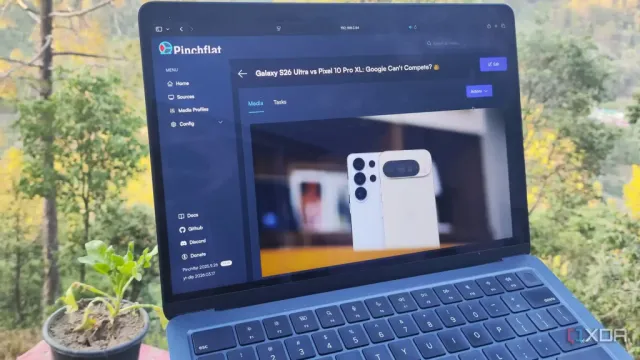
#
technology #
opensource #
Jellyfin